
Free. No ads. We don't sell data. Supported by a foundation.
For the small questions between your phone calls.
SenC (Senior Companion) is a voice assistant for older people. You can chat with it, save a note, get a reminder or call someone from your added contacts.
Works in your phone's browser. Needs an internet connection.

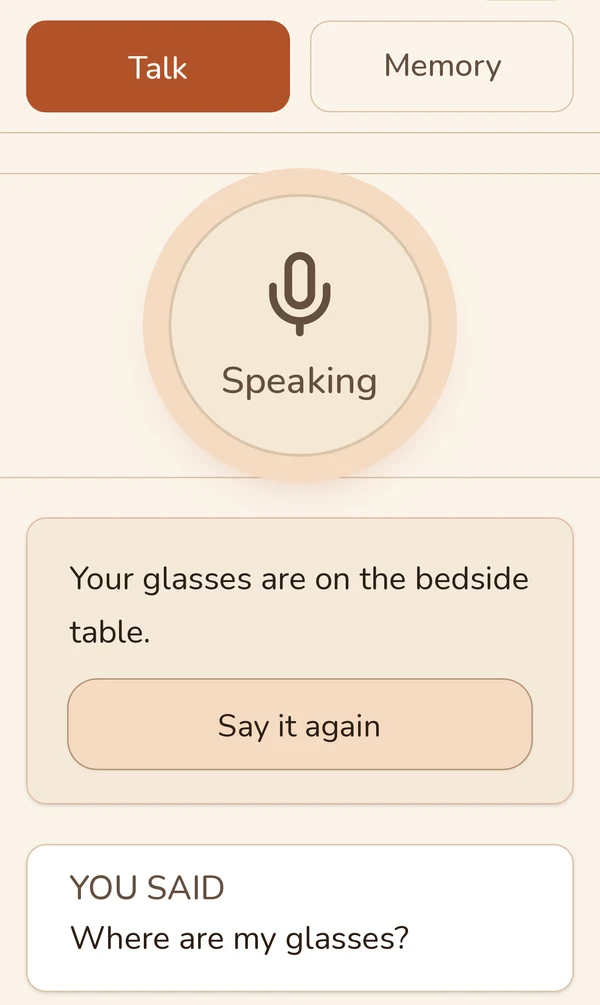
Just say what you need.
Start with your voice
Press the big button and say what you want. SenC answers out loud.
Save it for later
Say what you want to remember. Confirm the note and ask about it later.
Reach someone close
Say “Call Ellie” if she is in your added contacts. SenC sets up the call on your phone.
An ordinary day.
-
Morning, with coffee
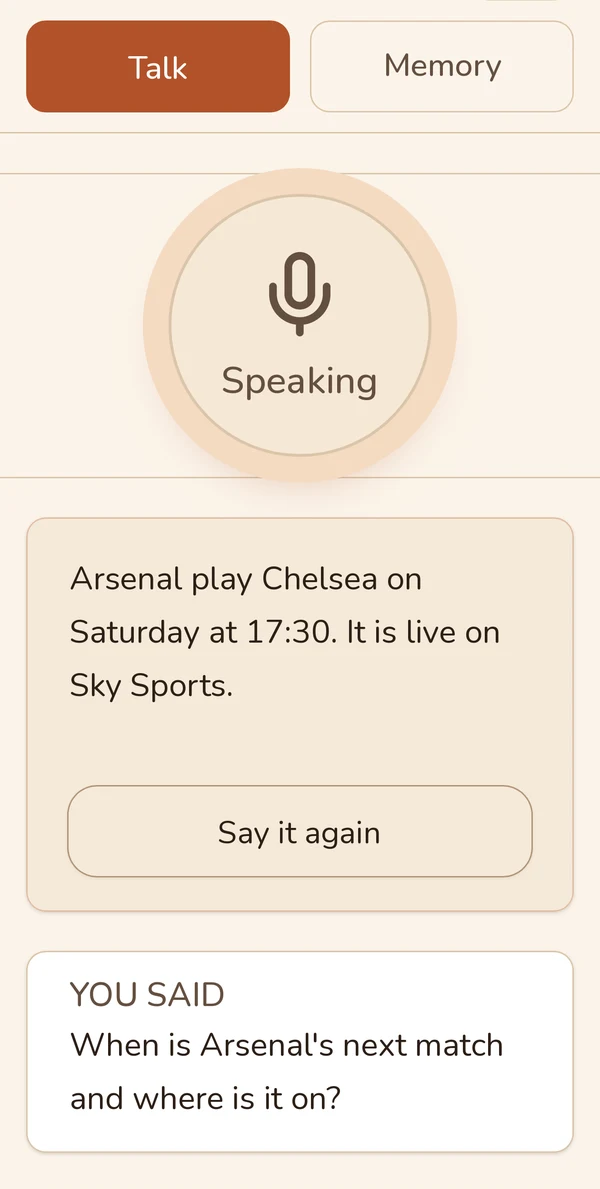
“Tell me something interesting,” I say over my coffee. Sometimes I feel like telling a story myself.
The conversation starts when you press the button.
-
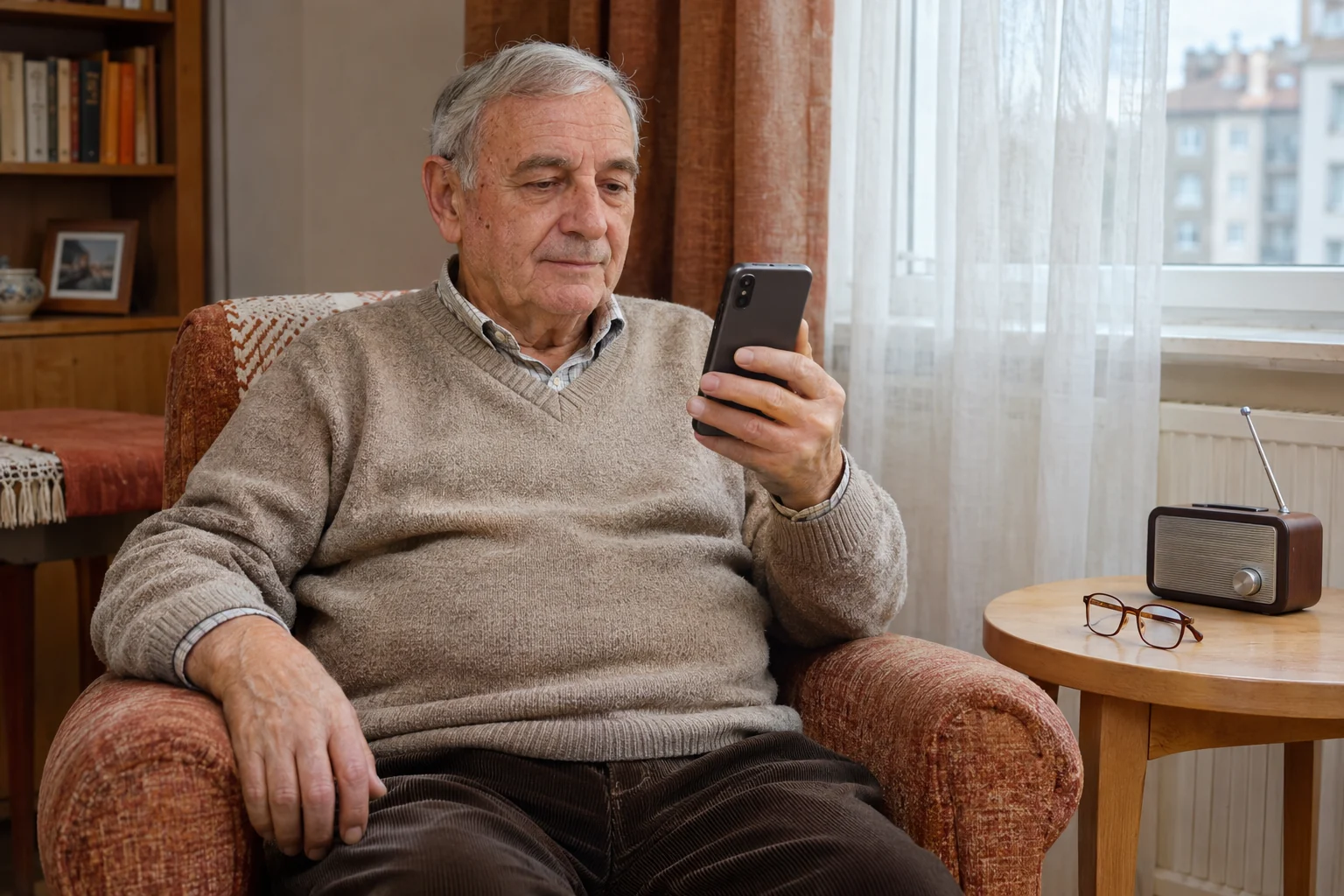
My glasses are by the radio
I leave my glasses by the radio. I tell SenC to note it down and confirm. In the afternoon I ask: “Where did I leave my glasses?”
SenC reminds you of the place from the note you already saved.
-
One reminder for the day
My son added the time for my medicine. I open SenC and see the reminder. When I take it, I mark it done.
Reminders appear while the app is open. SenC should not be your only medicine reminder.
-
And then — to hear Ellie
I'd like to hear my granddaughter. “Call Ellie,” I say. Her number is already added.
SenC opens the call to the added contact on your phone.

Help with the start. Stay involved from afar.
From your own account you can add reminders and contacts. You also see what your relative has marked as done. SenC cannot confirm that a medicine was actually taken.
Their personal notes are separate: you see them only if they allow sharing.
Set up SenC together and try one conversation. Then give them time to use it in their own way.
What the family seesGet started together.
Create your account
Sign up with an email and password and confirm your email. Then enter your relative's name and email in the family care setup.
Link the accounts
Your relative creates their own account and accepts the invitation in the app or enters the link code. Add the contacts to call.
Try one question
Allow voice conversations and the microphone. Press the big button and ask: “What's the weather today?”
Free, for a clear reason.
SenC is supported by the VCC BULGARIA foundation. We want everyday help to be within reach even when a monthly subscription is a barrier.
Using it is free. We don't show ads and we don't sell data.
There are daily usage limits so we can keep the service running.
More about price and personal dataGood to know.
SenC uses artificial intelligence and can make mistakes. Check its answers when an important decision depends on them.
Calls go only to trusted contacts added in advance. Personal notes are shared with the family only with the permission of the person who wrote them.
SenC is not a medical service and is not meant for emergencies.
See the frequently asked questionsStart with something quite ordinary.
Open SenC together and ask your first question.
Free. No ads. We don't sell data. Supported by a foundation.